
As an online game mode in FIFA 21, Pro Club allows you to create or join a virtual club with your friends and play online matches using your Pro player that you created in Career Mode and play 11 v 11 games.
By playing Pro Club mode, you can compete in 10 games per season with your Club and try to gain promotion through the league divisions. Create and grow your online Pro by competing in Club or Drop-In matches. Drop-In matches are a great start to grow your Player. When you’re ready, look for a Club on the Recommended Club screen that lists the people who follow you and which Club they belong to. You can also create your own Club and invite people you follow to join.
FIFA 21 Pro Clubs New Features
EA says that they did work hard to incorporate community feedback and suggestions into offering an overall better experience for all Pro Clubs players with the addition of increased customization for your Virtual Pro, your team mates, and new ways to play with your squad.
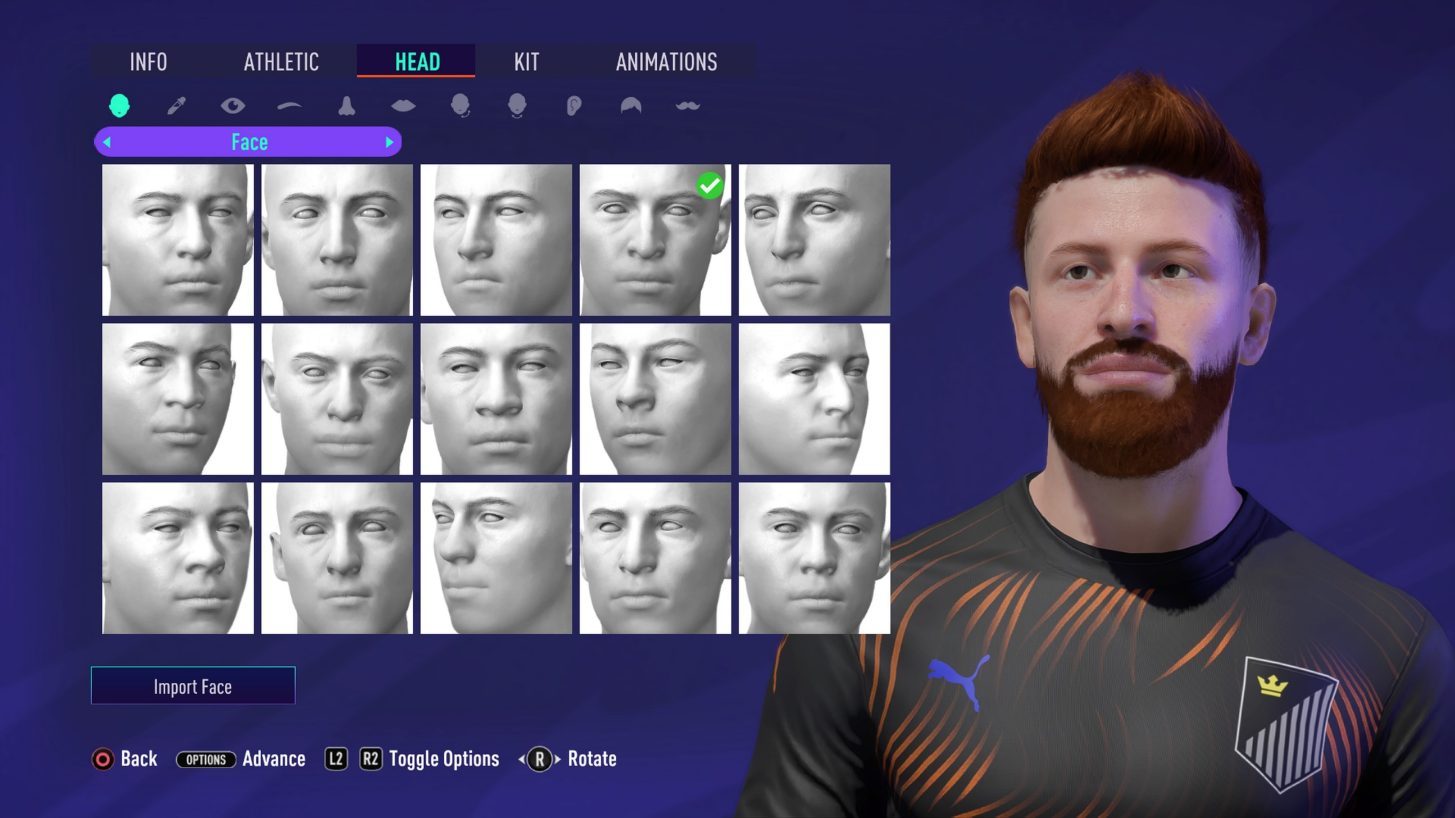
AI Player Customization
FIFA 21 Pro Clubs mode has the ability for Club Managers to customize the AI Players in their Club. You will find a new tile under the 'manage' section in Pro Clubs, from which managers will be able to customize the visual appearance, name and kit of the 20+ AI Players on their team.
A club will have AI players to customize in each position for all formations that can be found in the game. All club members will have access to the tile, and are able to view all of the AI players being customized, but only club managers will be able to edit an AI Player. Personalize your own team and work together with your club mates on the the pitch to showcase your customized avatars. Managers can customize the following:
- Name (First/Last/Known As/Commentary/Kit Name)
- Kit Number
- Date of Birth (Date/Nationality/Region)
- Preferred foot
- Player's Face
- Skin Tone
- Eyes
- Brows
- Nose
- Mouth
- Ears
- Hair
- Facial Hair
- Kit Fit
- Accessories (Gloves, Boots, Wristbands, Sock Tape)
- Animations (Running Style, Celebrations)
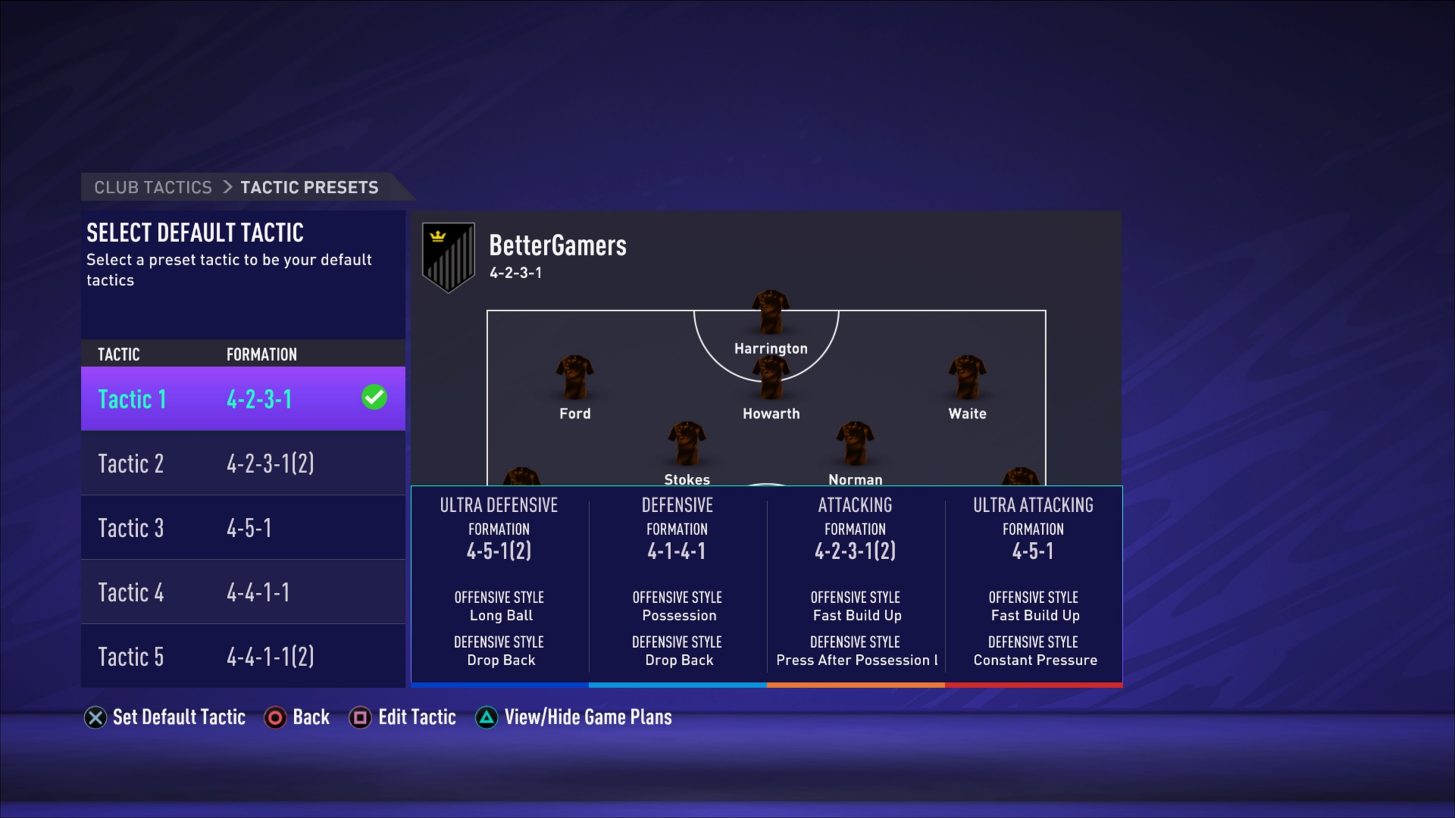
Tactics
Club Managers can now customize up to five preset tactics which can be found in another new tile under the ‘Manage’ section in Pro Clubs. Each preset tactic can have all five game plans customized (Ultra Defensive, Defensive, Balanced, Attacking, Ultra Attacking). A Club Manager can select 1 of the 5 tactics from the tactics page to begin customization. Select and customize each game plan to fit your team’s custom or unique play style. The newly customized AI Players will also appear on the tactic menus. Club Managers can provide instructions to their AI Players to ensure they match your play style.
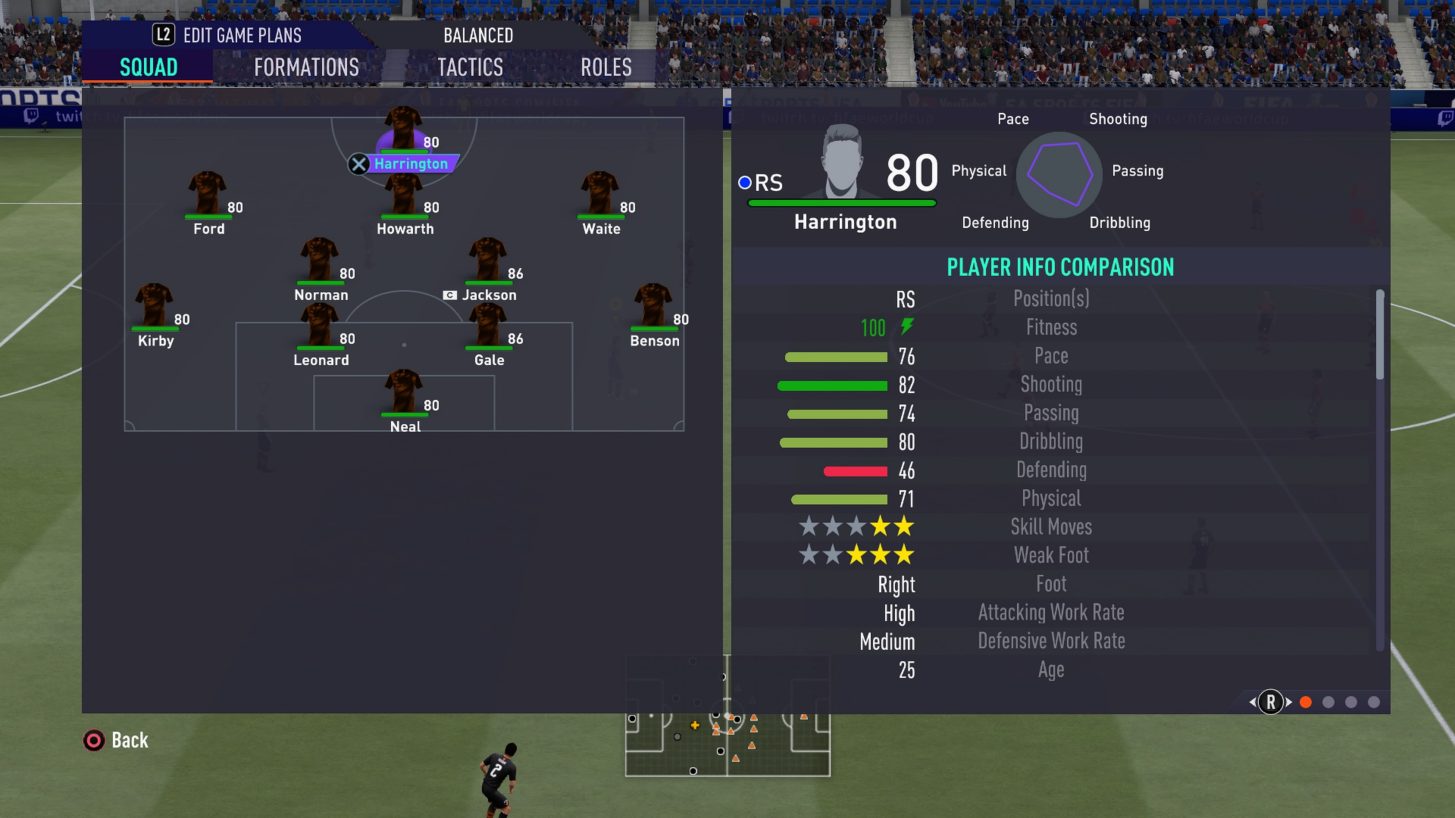
Once customized in the Tactics menu tile located in the Manage tab, you can go to the Pro Clubs Match Lobby and select one of the 5 new presets that have just been created. This will allow you to load the customized Tactic Presets to play with different friends or vary strategies based on which club members are available to play. Take to the pitch and try out your newly defined tactics with your customized AI Players and fellow club mates.
If you just want to hop into a quick Pro Clubs match, and only want to edit the formation, you’ll still have the ability to customize your Club’s formation and not the tactics. This can be found in the first tactic option in a match lobby as shown below.
Comments 9
1) I only have time at night and there are nobody there from my friends online, so I can't play because I need a second Player to play, change it to solo same like drop in!
2) Please make the Captain a little more serious in Drop in match, me and others are more experienced at 88+ but every time an 80-81-82 player gets a captain and never reacts in the game as a Captain, Please change the Captain to the Strongest player who has more experience than a Newbie or make a Choose Setting that get a player who know how be a captain..
Ps: I buy every year Fifa just for PRO CLUBS! Take us a little seriously please..
I hope FIFA will somehow develop the game or at least they will improve it on Next-Gen, otherwise it is a really big L.