Here is a guide to creating a player in FIFA 22 Career Mode and starting your career as a footballer.
Select PLAYER CAREER
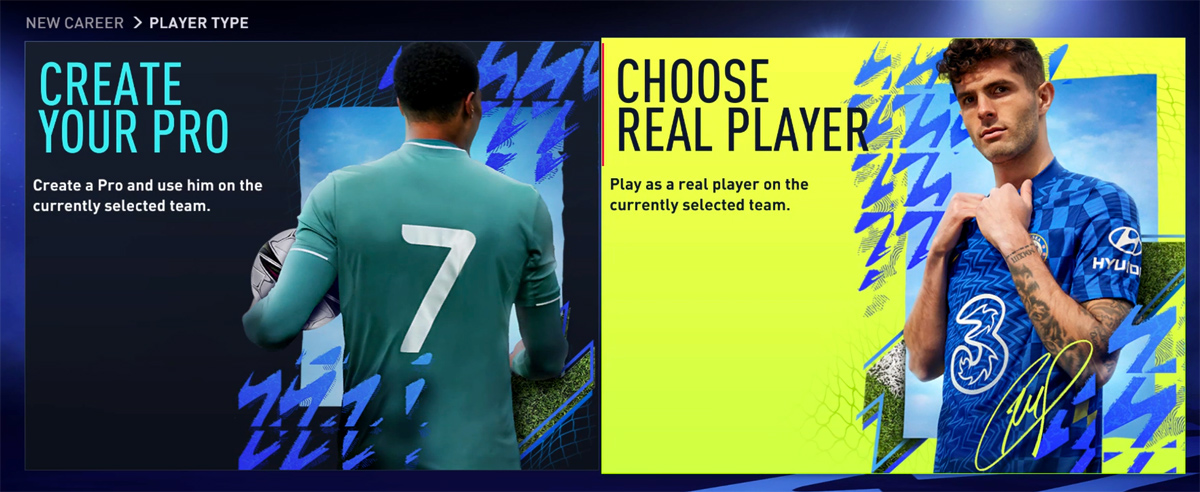
To begin your career as a player in FIFA 22, select PLAYER CAREER when creating a new career. Then, you will be asked to either CREATE YOUR PRO or CHOOSE REAL PLAYER:
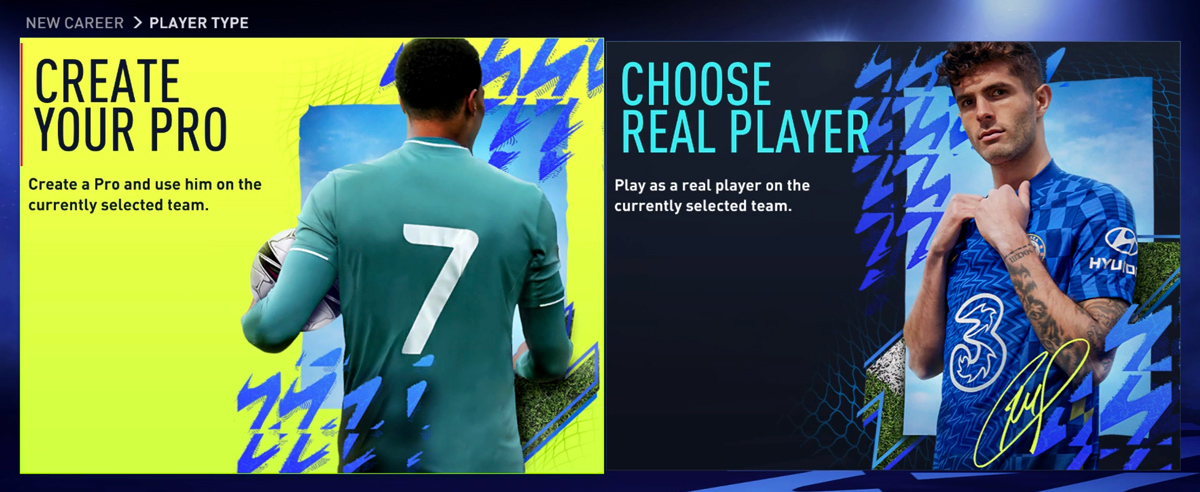
Create Your Pro
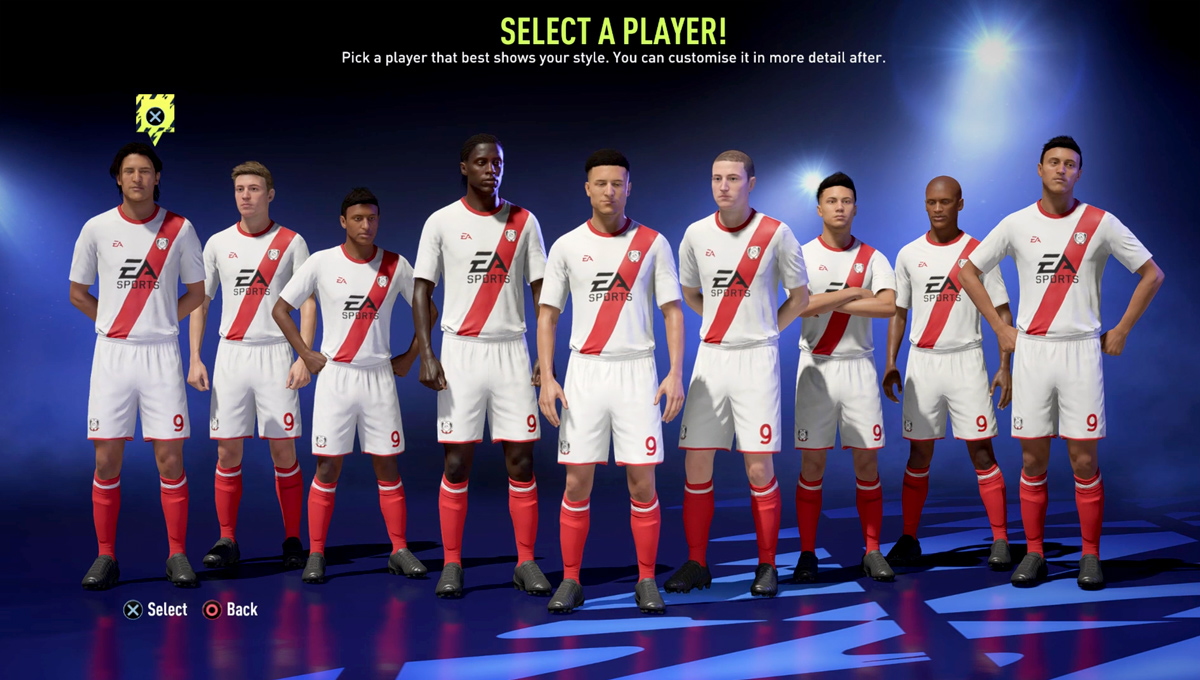
Using this option allows you to create your player from scratch. By selecting CREATE YOUR PRO you will need to select a player avatar first, and then enter your player's details as follows:
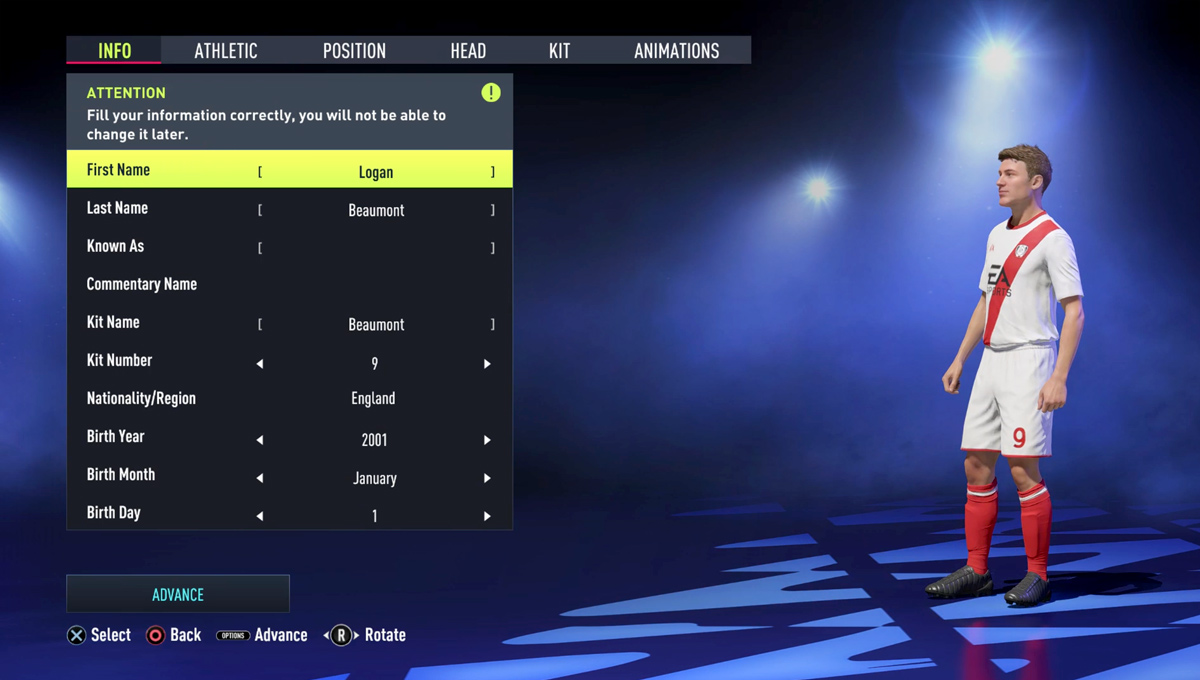
INFO
Personal information regarding your avatar (Virtual Pro):
- First Name
- Last Name
- Known As - Name appears on your kit
- Commentary Name - Can be selected from commentary name database in FIFA 22
- Team
- Kit Number - Preferred kit number
- Nationality / Region - Country name
- Birth Year
- Birth Month
- Birth Day
ATHLETIC
Data regarding your player:
- Body - Physical appearance and information of your player. This includes your player's weight and height which affects their attributes (Acceleration, Agility, Balance, Jumping, Reactions, Sprint Speed, Stamina, Strength) and the effect will be shown in real-time as you change - For example, more weight increases the strength but decreases Acceleration.
POSITION
Your player's position details which will affect your pro's attributes depending on your selections:
- Position - Forward, Midfielder, Defender or Goalkeeper
- Role - Position's Role
- Preferred Foot - Right/Left
HEAD
Here you can edit your player's head type, appearance and features, including:
- Face - Face types & shapes
- Tone & Complexion - Head and face skin tones
- Eyes - Eyes types, colours, shapes, position, separation, protrusion & rotation
- Brows - Eyebrows types, colours, shapes, position, separation, protrusion & rotation
- Nose - Nose types, colours, shapes, position, separation, protrusion & rotation
- Mouth - Mouth types incl. mouth size, position & protrusion
- Cheeks & Jaws - Cheeks & Jaws position & fullness
- Chin - Chin size, protrusion & fullness
- Ears - Ears size, earlobe, protrusion, helix & pitch
- Hair - Hair colour & types (short, medium, long & accessorized)
- Facial Hair - Facial hair types & colour (moustache, beard & etc.)
KIT
Customize your player's kit & accessories including:
- Boots & Accessories - Boots, Socks & Ankle Tapes.
- Gloves & Wrists - Gloves, Left Wrist & Right Wrist.
- Kit Fit - Waist Fit (Tucked In / Untucked), Kit Sleeves (Short, Long, Undershirt or Turtleneck Undershirt), Jersey Fit (Normal or Tight).
ANIMATION
Your player's animation for:
- Goal Celebration
- Set Piece Style
- Running Style
Once you completed customising your player's details, click Advance (press Options/Menu) to continue. Then you will need to select a Club for your Virtual Pro.
Choose Real Player
You are also able to choose a real player instead if creating your own. Select this option and choose your favourite player from their club in real world.
Next, you need to customize your career settings for the following options:
- Match Difficulty - Beginner, Amateur, Semi-Pro, Professional, World Class, Legendary or Ultimate
- Half Length - 4, 5, 6, 7, 8, 9, 10, 15 or 20 Mins
- Currency - Sterling, US Dollars or Euros
- European Competitions - Enable/Disable (UCL, UEL and UECL)
- Transfer Window - Enable/Disable (First summer Transfer Window)
- International Offers - Enable/Disable (Job offers for national football teams)
- Negotiation Strictness - Strict/Loose (Set the club and player strictness to negotiate transfers).
- Financial Takeover - Enable/Disable (Receive an influx of clash at the beginning of your career).
Save your player career settings & progress.
Attributes & Perks
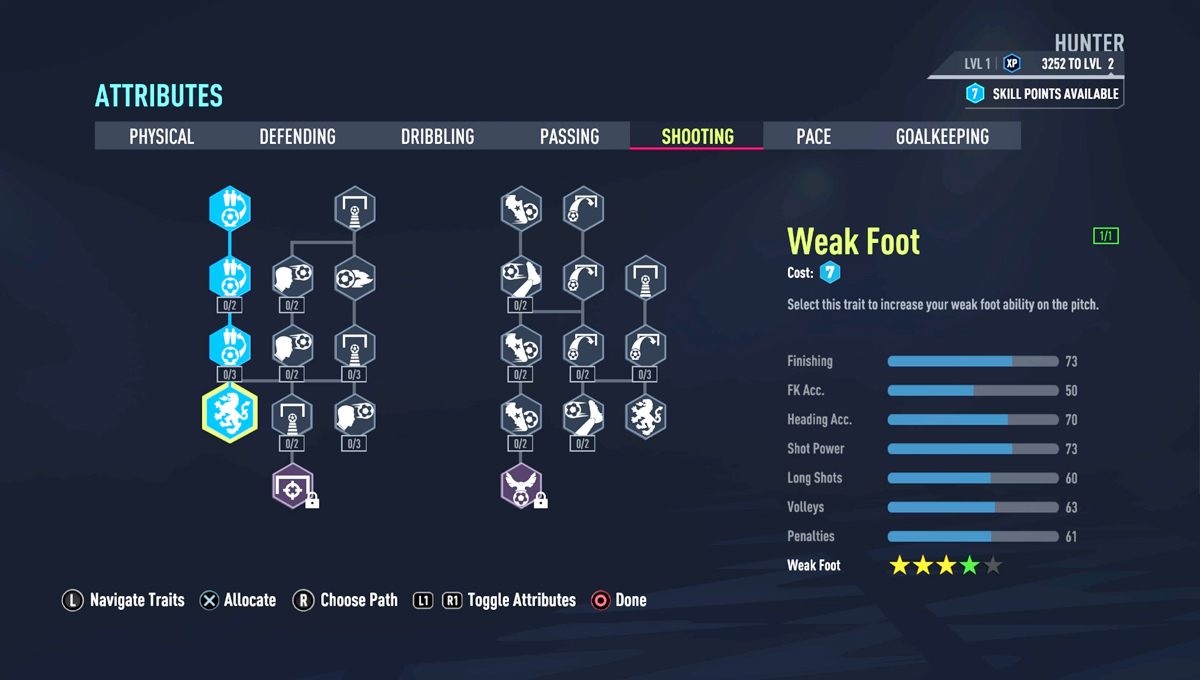
At this phase, you can allocate your attributes. This requires Skill Points to unlock attributes and archetypes. At the moment, you most likely have only 7 Skill Points. So, depending on your position and your preference, go ahead and choose a path to increase attributes you would like to. This can be also done and customised later.
Assign the available perks to your empty slots. Learn more on Perk system in FIFA 22 if you're not familiar with it.
Completing this part will finalise your player creation and you'll be starting your career next.
Start Your Career
You can now start your player career by playing matches and training games.
Central
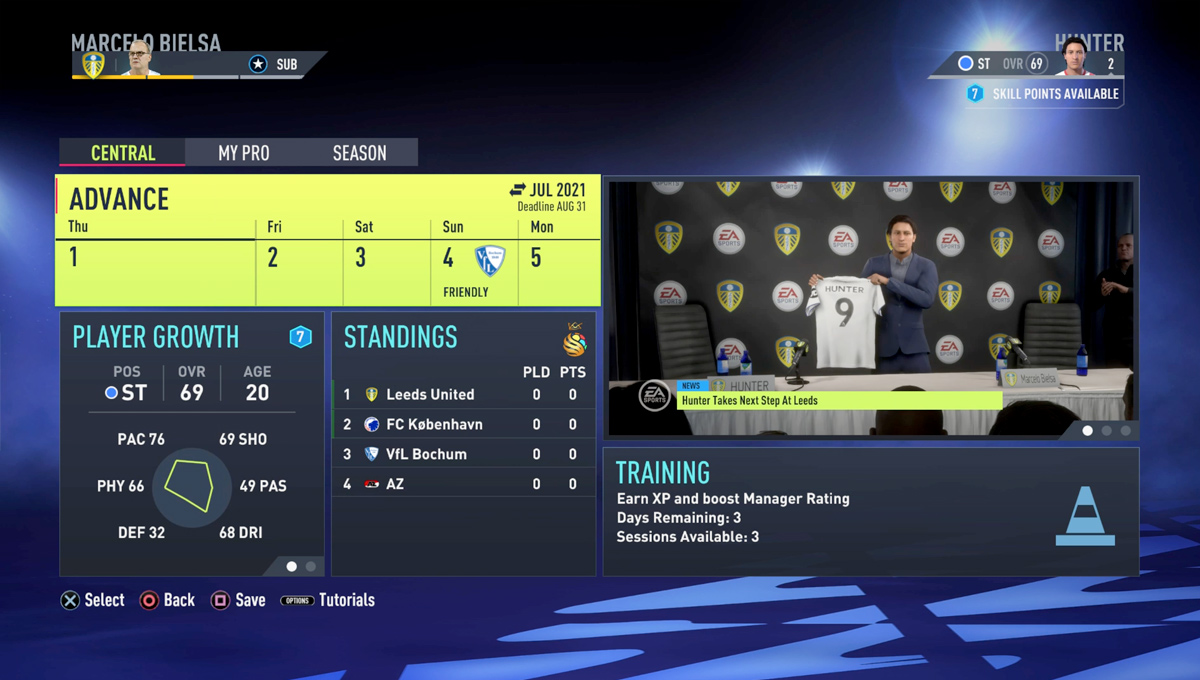
This screen is your central hub for your Virtual pro and your club. You have the following options here:
Play Match / Advance
Using this tab you can play (or simulate) matches and continue your season according to the season calendar. Take note that simulating matches will affect your player growth and the outcome would not be as good as if you play matches
Notifications
Here you get notified about your messages including emails and chats from your players. Select this option to go to your Inbox and Player Chat page to manage your message. Pay attention to your notifications, because some important messages arrive in your inbox anytime. You can delete or archive your messages there.
Standings
Here you can view the standings of your league and other cups & tournaments you are in.
Training
Play training games to earn XP and boost your rating.
My Pro
Here you can customize your Virtual Pro data and access the following options:
- Edit Pro - Edit your player details and appearance except their name, nationality, team and birth date.
- Notifications - Notifications and messages
- Player Growth - Your player's profile, attributes, archetypes and perks
- My Career - You career summary and status
- My Actions - Actions regarding your career.
- Edit Players - Edit your teammates kit fit, boots, accessories and other details.
Season
Under Season menu, you can access to:
- Calendar - Your complete schedule and events.
- Team Stats - Including in-depth statistics for all the teams.
- Player Stats - Featuring in-depth statistics for all the players.
- Standings - Standings and fixtures for the current season.
- Settings - Game settings (half length, difficulty and etc).
Comments 12
you will have an arrow beneath position
choose there
Comments are closed.