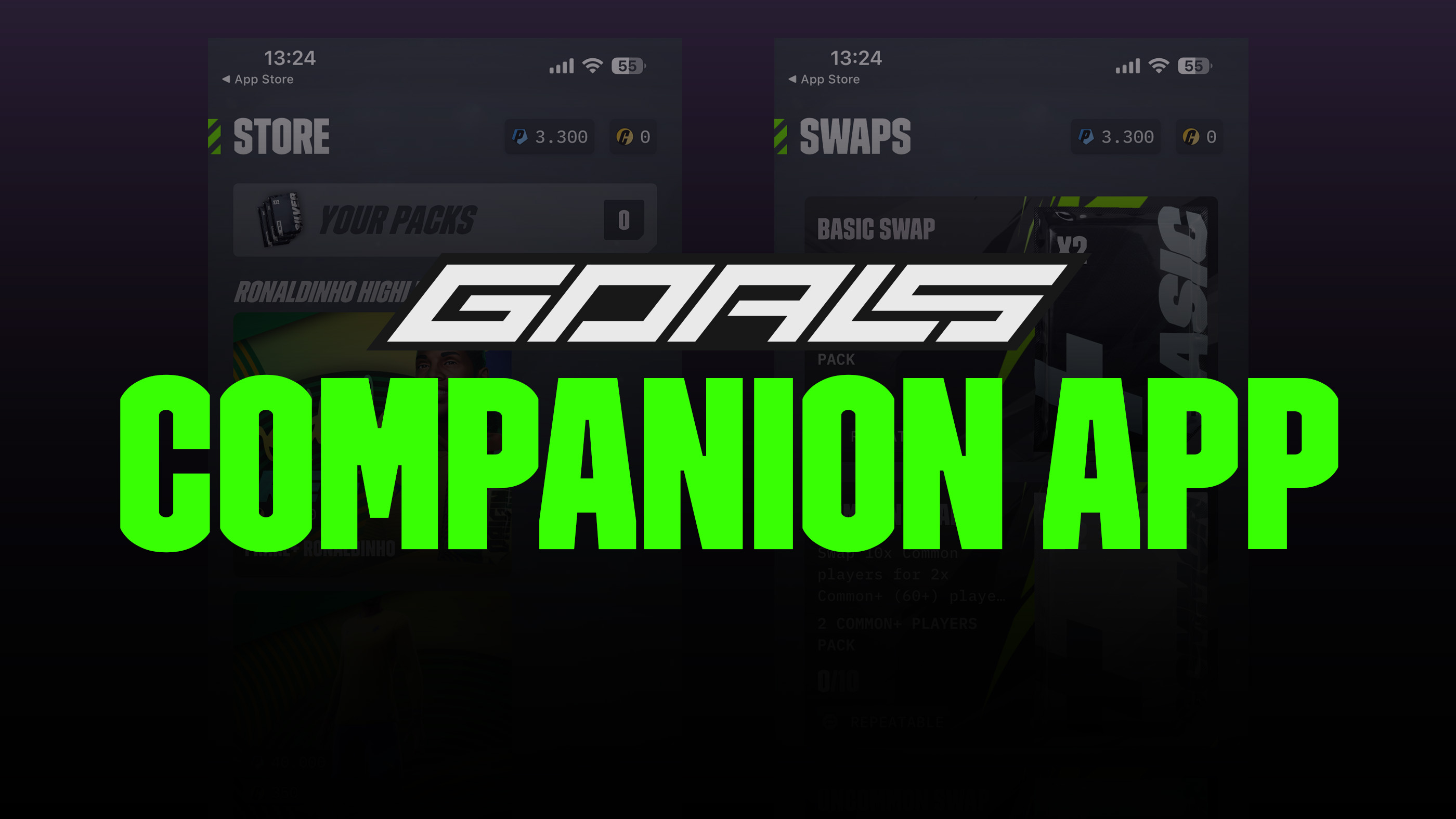
The GOALS Companion App lets you manage parts of your GOALS club from a supported phone or tablet. You can review your players, adjust the squad and formation, open Player Packs, monitor challenges, and complete selected club-management tasks without launching the full game.
The Companion App is available for iOS and Android. It is a management companion rather than a mobile edition of GOALS: matches and the full football gameplay experience are not included in the app.
GOALS Companion App Guide
WHAT IS THE GOALS COMPANION APP?
The GOALS Companion App is an official club-management application published by GOALS AB. It connects mobile access to the squad and collection systems used by the main game, allowing routine management to be completed away from a PC or console.
GOALS introduced the app as an Alpha release, so its menus and supported features may continue to change. Store updates have already expanded its collection, player-information, sharing, challenge, and reward tools.
The app does not contain the GOALS match engine. It cannot be used to play Ranked, Knockout, Friendly, Practice, or other football matches.
GOALS Companion App Features
| Feature | What It Does |
|---|---|
| Squad Management | Review the active lineup and make changes to the players in your squad. |
| Formation Management | Change or fine-tune the formation used by the active lineup. |
| Player Collection | Browse the players held in your club and inspect available player information. |
| Player Packs | Open Player Packs from a mobile device and add their contents to your collection. |
| Challenges | Track challenge progress and review relevant objectives and rewards. |
| Swaps | Submit eligible players that satisfy a Swap recipe and receive the displayed pack reward. |
| Progression Information | Review supported player details and progression history; recent versions also support sharing selected player information. |
| Reward Management | Supported releases include the ability to claim certain rewards, including Knockout rewards. |
Availability can differ by app version, account state, platform, and live GOALS content. If a listed option is missing, update the app and check whether the related challenge, Swap, pack, or reward is currently active.
HOW TO DOWNLOAD THE GOALS COMPANION APP
iPhone and iPad
- Open the official GOALS Companion page on the App Store.
- Confirm that the developer is GOALS AB.
- Select Get and complete the normal App Store installation.
- Open the app and follow the account sign-in instructions.
The current App Store listing requires iOS 15.6 or later for iPhone and iPadOS 15.6 or later for iPad. Requirements can change with future releases, so check the Compatibility section before installing.
Android
- Open the official GOALS Companion App page on Google Play.
- Confirm that the publisher is GOALS AB.
- Select Install and wait for the download to finish.
- Open the app and follow the account sign-in instructions.
Install the app only through the official Apple or Google store listing. Unofficial APK files and third-party download pages may be outdated, modified, or unsafe.
Squad and Formation Management
The Companion App provides access to the active lineup, the wider player inventory, and the team's formation. This makes it useful for preparing a squad before returning to the full game.
Useful Squad Tasks
- Check which players are currently in the active lineup
- Replace players with alternatives from the collection
- Review the available player cards and their details
- Change the team's formation
- Prepare positional cover before entering a match
Formation changes affect the collection of position slots available to the lineup. Before saving a new shape, compare it with the player's preferred and secondary positions. See the GOALS Formations and GOALS Player Positions guides for the exact structures and abbreviations.
PLAYER PACKS AND COLLECTION
Player Packs can be opened directly in the Companion App. The players received are added to the connected club collection, where they can be reviewed and considered for the active squad, future development, sale, or Swaps.
Always inspect a new card beyond its overall rating. Age, potential, detailed attributes, preferred and secondary positions, rarity, and remaining development can make a lower-rated player more valuable than the summary rating initially suggests.
Pack contents remain subject to the pack's live description and probabilities. Opening a pack through the app does not improve or reduce its stated odds compared with opening the same pack in the main game.
Challenges and Rewards
GOALS officially lists challenge tracking as a Companion App feature. Use it to check current progress without opening the full game and to identify which objectives still need to be completed during gameplay.
Recent app release notes also document support for claiming Knockout rewards. Reward availability depends on the live competition, completion state, and current app version. If a completed reward does not appear immediately, refresh the app and verify the same account in the main game before contacting support.
GOALS SWAPS IN THE COMPANION APP
The app supports GOALS Swaps, which exchange a group of eligible player cards for a displayed Player Pack. Select an active Swap, read every requirement, add qualifying players, check the reward, and review the entire submission before confirming.
Submitting a card removes it from the collection. Protect active squad members, high-potential players, favorites, useful secondary-position cover, and cards intended for future development. A Swap reward is a pack, so it should not be treated as a guarantee of a specific player unless the live reward description explicitly says so.
Swaps can also be available inside the full game. The interface may differ, but the live requirements and advertised reward should be checked on whichever platform is used to submit the cards.
GOALS Companion App vs Full Game
| Activity | Companion App | Full GOALS Game |
|---|---|---|
| Manage the squad | Yes | Yes |
| Change formations | Yes | Yes |
| Browse the player collection | Yes | Yes |
| Open Player Packs | Yes | Yes |
| Track challenges | Yes | Yes |
| Complete supported Swaps | Yes | Yes |
| Play football matches | No | Yes |
| Use match controls or Solo Practice | No | Yes |
The Companion App is best used for preparation and collection management. To control players, test tactics on the pitch, or enter any GOALS Game Mode, launch the full game.
TROUBLESHOOTING
My Squad or Collection Is Incorrect
Confirm that the app is connected to the same GOALS account and club used in the full game. Close and reopen the app, refresh the relevant screen, and allow time for a recently completed action to synchronize.
A Feature Is Missing
Update the app through the official store. Some features require an active challenge, Swap, pack, reward, or eligible club state and therefore do not remain visible at all times.
The App Will Not Open or Update
Restart the device, check the internet connection, confirm that enough storage is available, and verify that the operating system meets the current store requirements. Reinstall only after making sure the correct GOALS account details are available.
A Pack, Swap, or Reward Did Not Synchronize
Do not repeat a paid or destructive action immediately. Refresh the collection, restart the app, check the same club in the full game, and retain any receipt or screenshot before contacting official GOALS support.
GOALS Companion App FAQ
Is the GOALS Companion App official?
Yes. The official Apple and Google listings identify GOALS AB as the developer or publisher.
Is the Companion App the mobile version of GOALS?
No. It manages the club, squad, collection, packs, challenges, and other supported systems. It does not include playable football matches.
Is the GOALS Companion App free?
The App Store lists the application as free. The store listings may also show in-app purchases because the connected GOALS ecosystem contains purchasable content.
Can I change my GOALS formation from the app?
Yes. Formation and lineup management are explicitly included in the official app description.
Can I open Player Packs in the app?
Yes. Pack opening is one of the app's main advertised features.
Can I complete Swaps from my phone?
Yes. GOALS officially supports completing Swaps through the Companion App on supported iOS and Android devices.
Can I play Ranked or Knockout matches in the app?
No. You may be able to track or claim supported rewards, but actual matches require the full GOALS game.
Why does the app change over time?
GOALS introduced the Companion App as an Alpha release and continues to update it. Features, layouts, compatibility, and account tools may therefore be expanded or revised.
Comments
No comments yet. Be the first to share your thoughts!