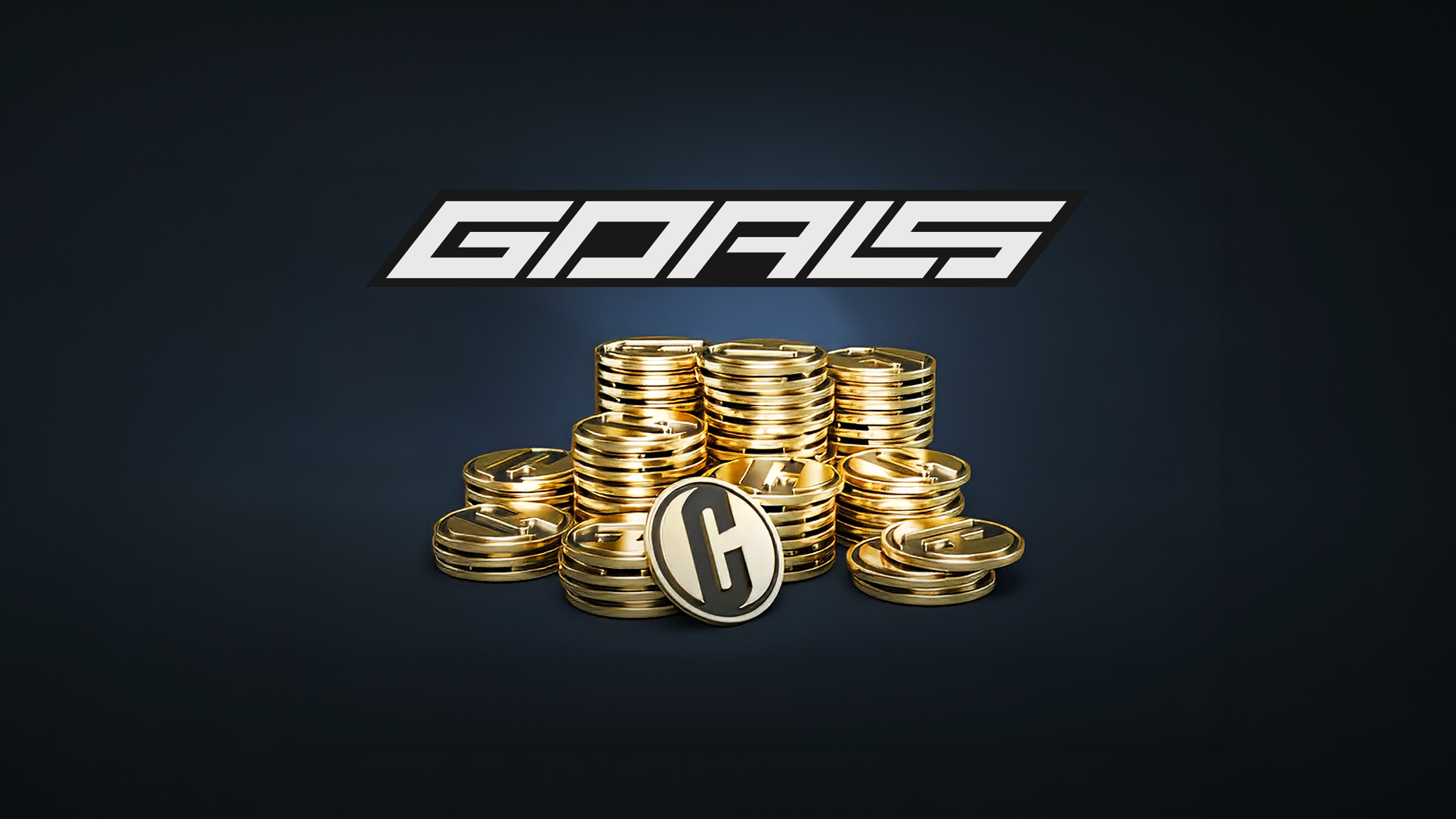
>GOALS Coins are the premium in-game currency in GOALS. Coins can be purchased through the official in-game store and supported platform stores, then used for Player Packs, kits, and other content that customizes the player's squad and experience.
Coins should not be confused with Points, the separate currency earned by completing matches, selling players, finishing challenges, and performing in competitive modes. This guide explains the difference, the available Coin bundles, where to buy them safely, and the rules that apply to virtual purchases.
GOALS Coins Guide
GOALS CURRENCIES
| Currency | How It Is Obtained | Primary Uses |
|---|---|---|
| Coins | Purchased through GOALS or an authorized platform store | Player Packs, kits, and customization content |
| Points | Earned through matches, player sales, challenges, and competitive rewards | Gameplay economy and squad-building purchases offered in-game |
What GOALS Coins Are Used For
The official platform-store descriptions list the following uses for GOALS Coins:
- Buying Player Packs
- Obtaining kits
- Unlocking content that customizes the game experience
Player Packs are chance-based purchases, meaning the exact players received are determined when a pack is opened. Pack contents, probabilities, prices, and availability may vary, so review the information displayed in the store before confirming a purchase.
GOALS is free to play and its game modes are available without a mandatory Coin purchase. Coins are optional and do not need to be purchased simply to download or start playing the game.
GOALS Coin Prices
The following bundles and US prices are currently listed by the official Xbox store. Prices can differ by country, platform, tax, currency, promotion, or future store changes. The checkout screen always shows the final applicable price.
| Coin Bundle | US Price |
|---|---|
| 200 Coins | $1.99 |
| 550 Coins | $4.99 |
| 1,150 Coins | $9.99 |
| 2,350 Coins | $19.99 |
| 3,600 Coins | $29.99 |
| 6,100 Coins | $49.99 |
| 13,500 Coins | $99.99 |
Larger bundles provide more Coins per unit of currency, but they also require a higher total payment. Buy only the amount needed for a planned purchase and check the in-game price before choosing a bundle.
How to Buy GOALS Coins
In the GOALS Store
- Launch GOALS and sign in to the correct GOALS account.
- Open the in-game Store.
- Select the Coin balance or the item that requires Coins.
- Choose a Coin bundle.
- Review the amount, price, account, and payment method.
- Confirm the purchase through the platform checkout.
Official Platform Stores
Coin add-ons can also be purchased from the store associated with the platform account used for GOALS. The base game and the Coin add-on must be compatible, and the purchase should be made for the correct regional account.
When playing on multiple platforms, check which platform wallet and account will receive the purchase before paying. Shared game progression does not automatically guarantee that every platform-store balance or entitlement can be transferred between storefronts.
GOALS Coins and Points Explained
Coins
Coins are the premium currency sold in fixed bundles for real money. Official listings identify Player Packs, kits, and customization content as their primary uses.
Points
Points are earned through normal gameplay. The official GOALS beginner guide lists four principal sources:
- Completing matches
- Selling players
- Completing eligible challenges
- Earning performance rewards in Ranked, Tournaments, and Knockout
The Practice Arena does not directly award Points, although actions performed there may contribute to challenge progress. Selling players is described by GOALS as the quickest direct way to obtain more Points.
Free Packs and Swaps
Players can claim one free Basic+ Pack every 24 hours. Unused players can also be submitted through eligible Swaps to earn Player Packs, providing squad-building options that do not require purchasing Coins.
Coin Safety and Purchase Rules
Use Authorized Stores Only
Do not buy Coins, accounts, or in-game items from unofficial websites, social-media sellers, or other players. The GOALS Terms of Service prohibit involvement in account or in-game currency buying, selling, distributing, or farming outside the authorized game economy.
Never Share Account Details
An official Coin purchase does not require giving another person a password, authentication code, backup code, or remote access to the account. Anyone requesting these details may be attempting to steal the account.
Virtual Items Have No Cash Value
GOALS states that virtual currency and digital items have no real-world monetary value. They cannot legitimately be exchanged for cash or treated as financial assets.
Check Before Confirming
GOALS states that purchases are final and non-refundable except where a refund is required by law. Confirm the account, platform, bundle size, local price, and pack information before completing payment. Platform refund rules and statutory consumer rights may also apply.
Parental Controls
Player Packs involve chance-based in-game purchases. Families can use Steam, PlayStation, Xbox, or device-level spending controls to restrict purchases and require approval before checkout.
Missing Coins and Purchase Problems
Coins Have Not Appeared
- Confirm that the payment completed and was not cancelled or left pending.
- Verify that the purchase was made on the platform account linked to the active GOALS account.
- Close GOALS completely and restart the game.
- Restart the Steam client or console and check the balance again.
- Allow time for a delayed store transaction to synchronize.
Purchased the Wrong Bundle or Platform Version
Do not spend any delivered Coins. Contact the platform store through which the payment was processed and review its refund policy. GOALS cannot necessarily reverse a transaction processed by Steam, PlayStation, Xbox, or another storefront.
Contacting Support
Keep the platform receipt, order number, purchase date, Coin amount, GOALS account identifier, and screenshots of the balance. Never post the full receipt or account credentials publicly.
Comments
No comments yet. Be the first to share your thoughts!