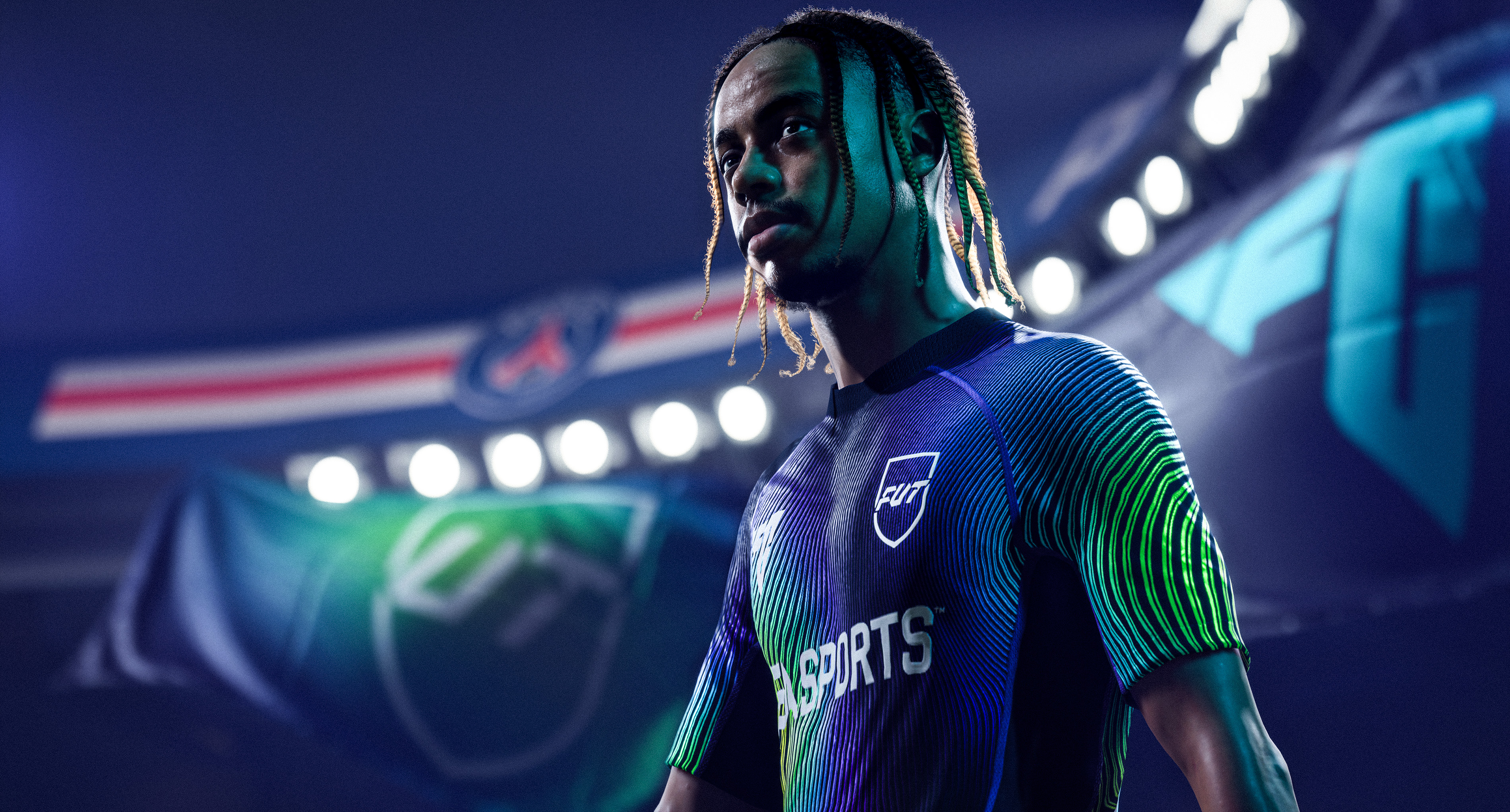
Football video games have come a long way from pixelated players and static menus. Today’s gamers expect not only authentic gameplay but also intuitive interfaces that keep them immersed from kick-off to post-match analysis. Whether it's navigating team management screens or customizing player kits, a seamless user experience has become just as important as the action on the pitch. That’s why working with UI/UX design experts is now a crucial step in building a fan-loved football game.
Why UI/UX Matters More Than Ever in Football Games
In a genre as competitive as football gaming, small frustrations can make a big difference. The user interface is often the first thing a player interacts with, and it can either invite them into the experience or drive them away. A well-crafted UX doesn’t just look good – it guides the player, reduces cognitive load, and creates emotional flow throughout the game.
Expectations of Modern Football Gamers
Today’s football gamers aren’t just looking for high-fidelity graphics or realistic animations. They expect fast navigation, clean HUDs, and responsive menus that don’t interrupt the momentum. On mobile platforms, they demand touch-friendly and smart layouts; on PC and console, they appreciate depth without clutter. Gamers have grown accustomed to Netflix-grade interfaces, and now expect the same polish from sports titles. If a player spends more time figuring out how to access online seasons than actually playing them, that’s a UX failure.
From Menus to Matchday — UX Touchpoints That Matter
Every football game has multiple layers of interaction – from pre-match tactics to in-game substitutions, from editing squads to browsing Ultimate Team cards. These aren’t just menus; they’re part of the experience.
- A clunky transfer market interface breaks immersion.
- Confusing matchmaking flows can discourage online play.
- Unclear controller remapping menus cause frustration.
Great UI/UX design ensures that all of these touchpoints feel connected, clean, and effortless, so the player stays focused on what really matters: the game itself.
Real Examples: How Great UI/UX Changed the Game
Football video games aren’t just judged by their gameplay mechanics anymore. Over the years, smart UI/UX decisions have transformed how players interact with their favorite modes, manage their teams, and even feel emotionally connected to the game. Let’s look at how top franchises have used design thinking to elevate the user experience.
Case Studies from Top Football Franchises
FIFA (now EA SPORTS FC) has long been a benchmark for UI presentation in sports games. The sleek navigation in Career Mode and the fluidity of Ultimate Team menus have set high standards. However, even EA’s titles have evolved – earlier clunky menus gave way to minimalistic layouts and visual cues that make team management faster and more satisfying. eFootball, Konami’s successor to PES, had its share of criticism upon launch, much of it rooted in confusing UI and unintuitive menu systems. Updates in later versions tried to address this, proving how crucial interface clarity is to player retention.
Football Manager, while traditionally dense and data-heavy, made strides in recent years by integrating customizable dashboards, collapsible menus, and faster access to key stats. This balance between depth and accessibility is a UX achievement worth noting.
Fan Feedback That Led to UI Overhauls
It’s not uncommon for developers to adjust interfaces based on community feedback, and football games are no exception. On platforms like FIFPlay and Reddit, players regularly point out interface flaws or request improvements.
Examples include:
- Fans are demanding faster navigation in FUT squad building
- Requests for clearer tactical visualizations
- Outcry over slow menu transitions in early eFootball builds
In response, studios often release UX patches or complete redesigns, showing how user-centered design is no longer optional, but expected.
How UI/UX Design Experts Make It Happen
Creating a seamless interface in a football game isn't just about making things “look good.” It’s about understanding how players think, what they need in each moment, and how to reduce friction without removing depth. That’s why experienced UI/UX design experts follow a structured and user-centric approach to building game interfaces that truly work.
From Wireframes to Fan Testing
The UI/UX process starts long before the first button appears on the screen. It begins with wireframing – the creation of skeletal layouts that map out user flows, hierarchies, and key interaction points. In football games, this could include:
- Player management dashboards
- Tactics editors
- Match overlays
- Post-match stats panels
Once wireframes are approved, designers move into prototyping. These clickable mockups allow developers and testers to interact with the UI before a single line of code is written. This is where real football fans can be brought in to test the interface's intuitiveness. Does it take too long to set up a match? Are the substitution menus responsive during intense gameplay? These questions get answered early, saving studios major rework costs later.
Collaborating with Specialists Instead of Doing It Alone
While large studios may have in-house design teams, many developers, especially in the indie or mid-size segment, choose to partner with external UI/UX design experts. This not only brings in a fresh perspective but also accelerates development by offloading interface work to professionals who specialize in it. Studios like RetroStyle Games offer end-to-end UI/UX solutions tailored for games, from style guides and HUD systems to platform-specific design for PC, console, or mobile. This allows developers to focus on mechanics and game balance, while experts craft the player-facing experience.
In the fast-paced world of football gaming, outsourcing to seasoned UI/UX designers isn’t just a smart move — it’s often the difference between a playable prototype and a game that players want to come back to again and again.
Comments
No comments yet. Be the first to share your thoughts!